
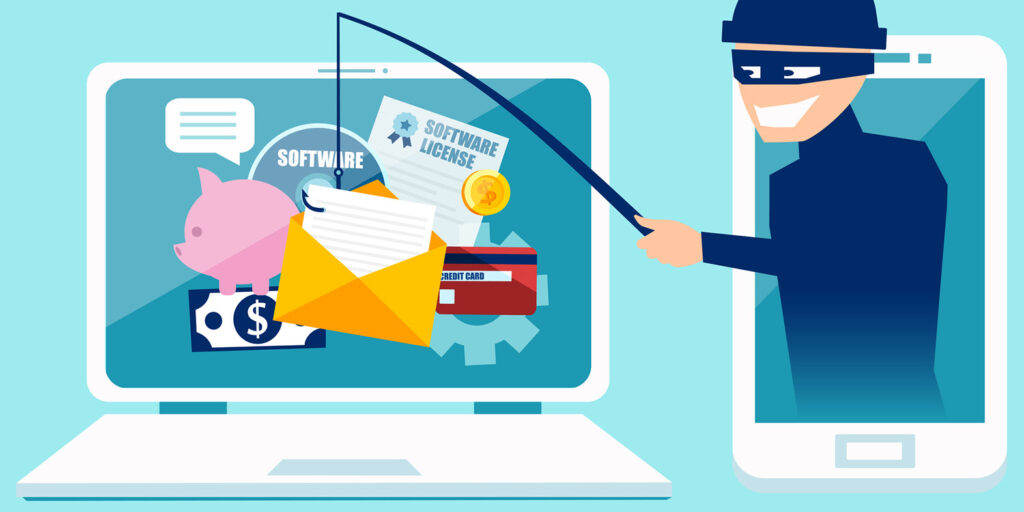
On this page you will learn about the do’s and don’t of the internet, the things you should do and the things you definitely shouldn’t do on the Internet. Hopefully this page and all the other pages have been helpful with teaching you what you should avoid, what certan things are, how to spot them and how to avoid them
The Do's of the internet
Use Strong Passwords
Still using “password” as your password? Or your date of birth? Hackers can guess these credentials a mile away! Think up more complicated passwords instead.
According to the CISA, all good passwords contain:
- At least 16 characters
- A mix of unrelated words and phrases OR a random string of lower and upper case letters, numbers, and symbols
Use Two-Factor Authentication
Two-factor authentication, or 2FA, offers an extra layer of web security when logging into your online accounts. It’s when websites ask you to confirm your identity twice, usually online and via another method like SMS.
Most banks and email providers provide 2FA, but this feature isn’t always turned on by default. You’ll need to enable it by going into your accounts.
Update Software Regularly
OK, this goes without saying, but you’ll be surprised how many people never update their software! Don’t make the same mistake—regular updates and security patches protect data online.
We recommend turning on automatic security upgrades for all your devices and software. That way, you don’t have to check for the latest updates.
Learn About Phishing Prevention
Phishing is a type of communication where someone pretends to be someone else. They might encourage you to download a link in an email or text message, which could install malware onto your device. While phishing isn’t going anywhere any time soon, you can identify these communications pretty easily. If you receive a message from someone you don’t know or someone you do know has an unusual request, you might be caught up in a phishing scam. We advise you never to click on links or open attachments without verifying the sender first!
Install Antivirus Software
Reliable antivirus software is well worth it. These tools help you avoid malware and other malicious programs on your devices, protecting you from cybercriminals. Norton, McAfee, Kaspersky, and other brands all offer antivirus software at a premium. However, you can also get free options, such as Avast Free Antivirus and Microsoft Security Essentials.
Do Back-Up Data
Backing up all your data is one of the best ways to improve online safety, especially with ransomware attacks becoming so common. If you are the victim of data loss, you’ll be able to recover that information pretty quickly. There are various ways to back up your data, including creating copies of files in the cloud and storing information on external hard drives.
The Don'ts of the internet
Don't Reuse Passwords
As mentioned earlier, you should have separate login credentials for your online accounts. The reason is simple: if someone guesses the password for one account, they can’t access any of your others! Of course, the problem is remembering all those unique passwords! A password manager, even the one included in your browser, can help with this.
Don't Share Personal Info
Accidentally oversharing on social media happens—we get it. But try not to reveal all your personal information online. You never know who might be reading! Cybercriminals often exploit small details you share online. The more they know, the easier it is to build a profile about your identity and access your accounts.
Don't Download From Untrusted Websites
Downloading files and software from suspicious-looking sites is a big no-no. These downloads might contain malware or spyware. It’s always better to be safe than sorry. If a website starts with a “http” rather than a “https,” it could be a risk. So, click the “back” button on your browser as soon as you can!
Don’t Ignore Security Warnings
Security warnings on your browser and software might be annoying, especially if you get a lot of them. However, they are trying to tell you something important about website safety. Common warnings include unsecured website alerts and outdated browser alerts, so keep an eye out for these notifications when you browse the internet.
Don’t Use Public Wi-Fi Without Protection
Public Wi-Fi networks might be unsecured, so consider using a virtual private network (VPN) when out and about. A VPN hides your data and IP address from bad actors, so it’s a great option for public browsing!
Don’t open suspicious attachments
We all know the dangers of opening suspicious attachments. They can automatically take you to malicious websites or carry malware like a macro virus or ransomware. Yet, some of us still do it because we’re curious or because we’re anticipating something in our inbox. Taking the risk is just not worth it. A bad attachment can impact your personal security and your family’s safety, and even hurt your organization.